2026-10-18, 09:17 PM
Hi all. I'm the solo developer of Media Renamer Pro, and since naming questions come up here a lot I figured this section was the right place to share it.
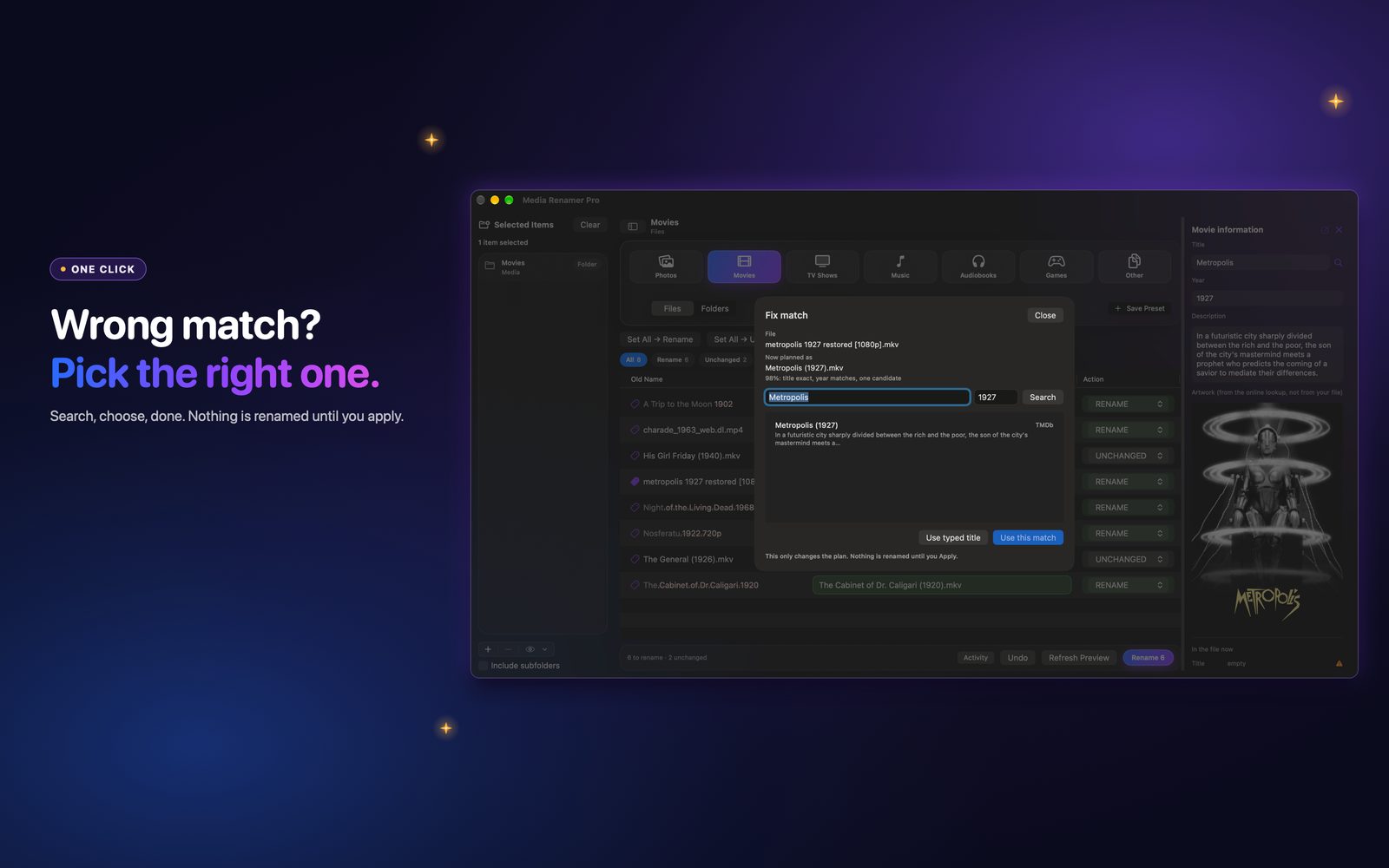
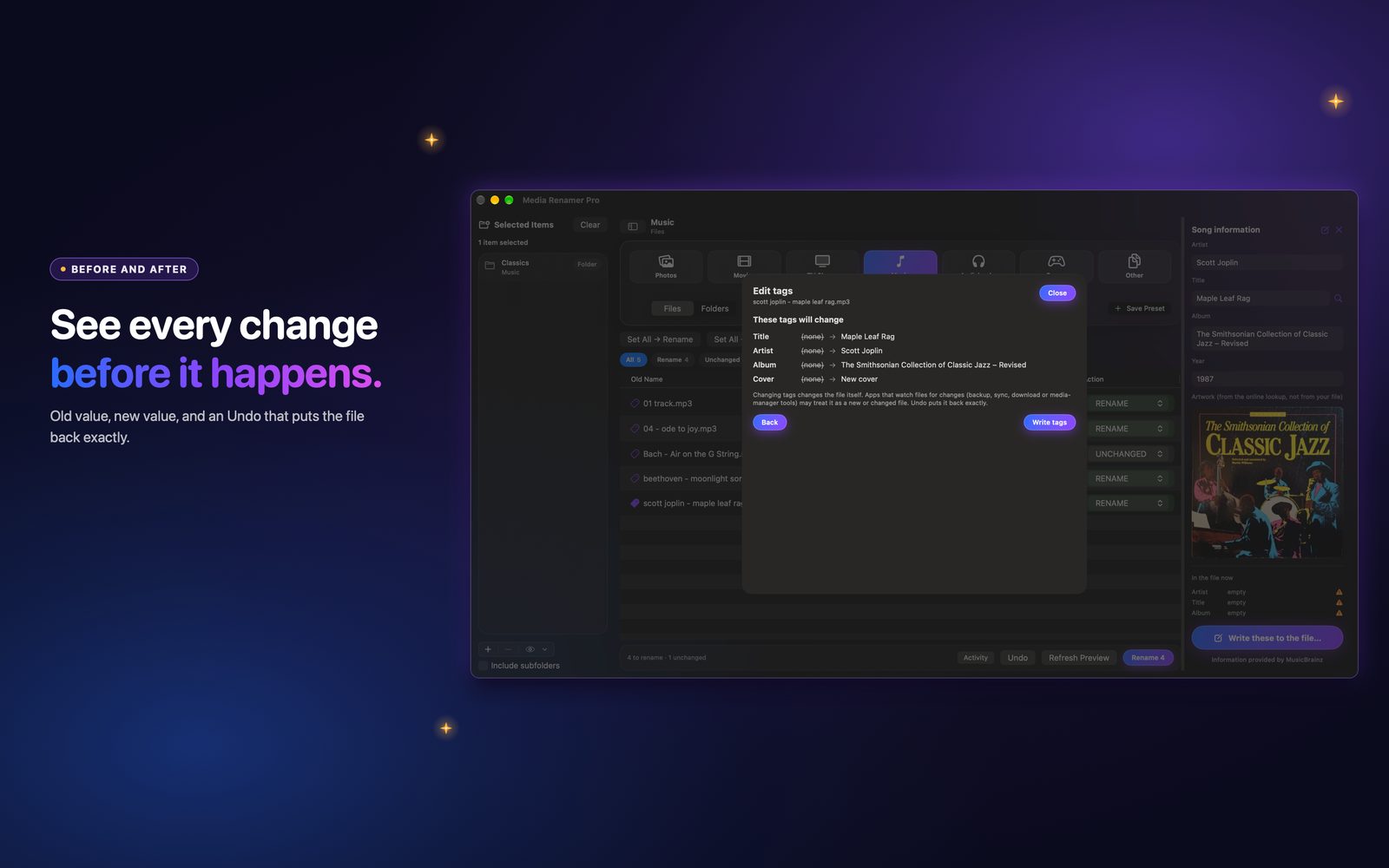
It renames movies, TV, music, audiobooks, photos and game ROMs using the metadata inside the files plus optional online lookups (TMDb, TVmaze, Google Books, IGDB), then shows you every new name before anything moves. You can edit any row, conflicts are caught up front, and the whole batch undoes.
For a Jellyfin library specifically:
- Movies come out as Movie Name (Year) and TV as Show Name - S01E01, the format Jellyfin matches best.
- It works straight on SMB/NAS shares mounted on a Mac, or opened in the Files app on iPad and iPhone.
- Renames go through temp names first, so chains and swaps don't eat files.
- Optional subtitle carrying keeps .en.forced style tags with the video.
- It deliberately never touches .nfo files. Jellyfin always prefers a local .nfo over its online lookup, so a stale one carried along would lock in a wrong match.
- New in 1.4: Watched Folders. Save your Movies and TV folders and it only loads what's new since your last run.
AI disclosure: I used Claude and Codex heavily to help write the code and tests. I make the decisions, test on my own library and do the support myself.
$4.99 one time for Mac, iPad and iPhone. No account, no subscription.
App Store: https://apps.apple.com/app/id6761764615
If it gets Jellyfin naming wrong on your library, tell me. Those are exactly the cases I want to fix.
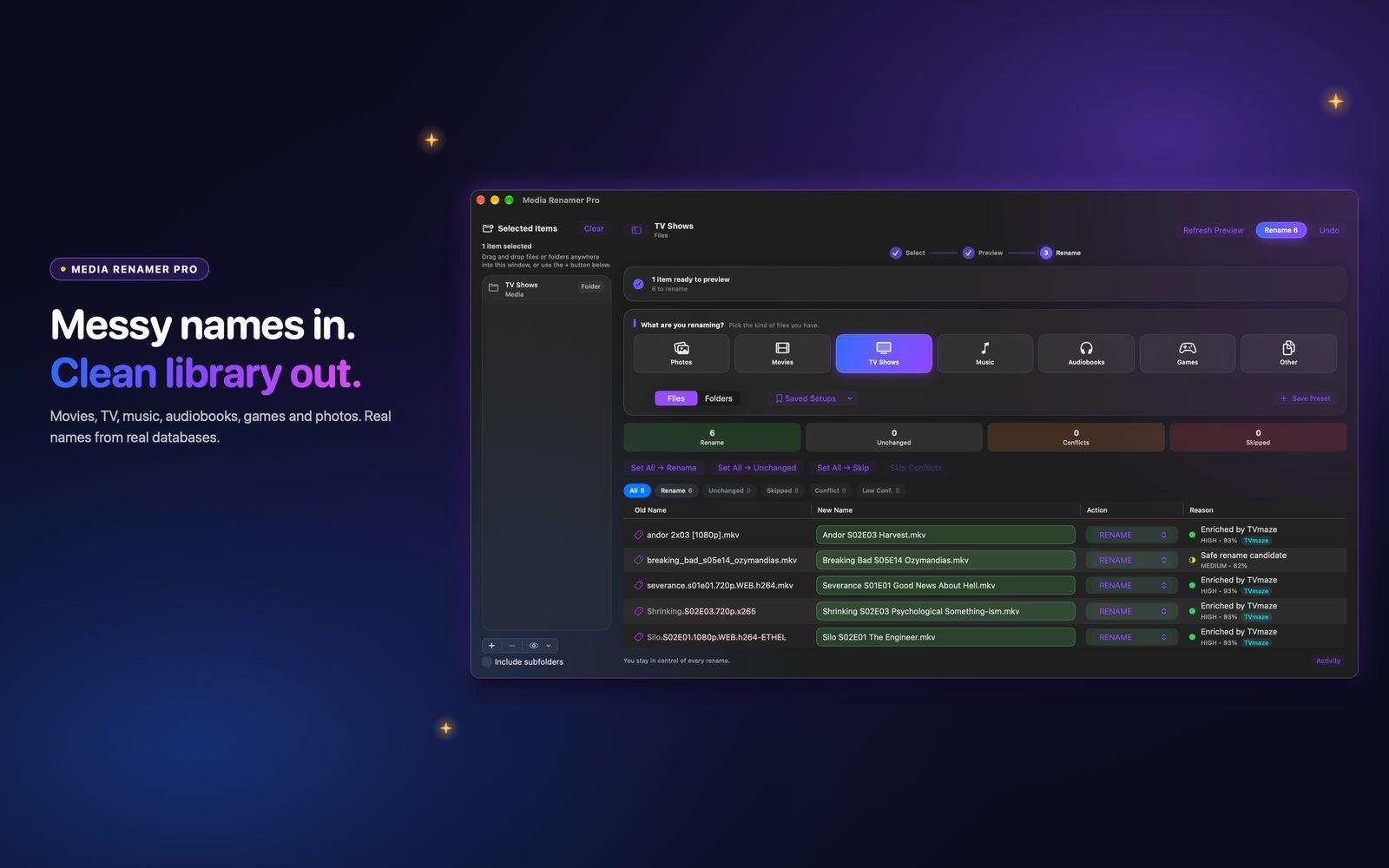
It renames movies, TV, music, audiobooks, photos and game ROMs using the metadata inside the files plus optional online lookups (TMDb, TVmaze, Google Books, IGDB), then shows you every new name before anything moves. You can edit any row, conflicts are caught up front, and the whole batch undoes.
For a Jellyfin library specifically:
- Movies come out as Movie Name (Year) and TV as Show Name - S01E01, the format Jellyfin matches best.
- It works straight on SMB/NAS shares mounted on a Mac, or opened in the Files app on iPad and iPhone.
- Renames go through temp names first, so chains and swaps don't eat files.
- Optional subtitle carrying keeps .en.forced style tags with the video.
- It deliberately never touches .nfo files. Jellyfin always prefers a local .nfo over its online lookup, so a stale one carried along would lock in a wrong match.
- New in 1.4: Watched Folders. Save your Movies and TV folders and it only loads what's new since your last run.
AI disclosure: I used Claude and Codex heavily to help write the code and tests. I make the decisions, test on my own library and do the support myself.
$4.99 one time for Mac, iPad and iPhone. No account, no subscription.
App Store: https://apps.apple.com/app/id6761764615
If it gets Jellyfin naming wrong on your library, tell me. Those are exactly the cases I want to fix.

![[Image: hero-1600.jpg]](https://bkettering74.github.io/media-renamer-pro/media/v20/hero-1600.jpg)
![[Image: fix-match-1600.jpg]](https://bkettering74.github.io/media-renamer-pro/media/v20/fix-match-1600.jpg)